A walkthrough of the Joltly vendor portal — vendors submit statements, update payment info, and message you back, all from one secure place.
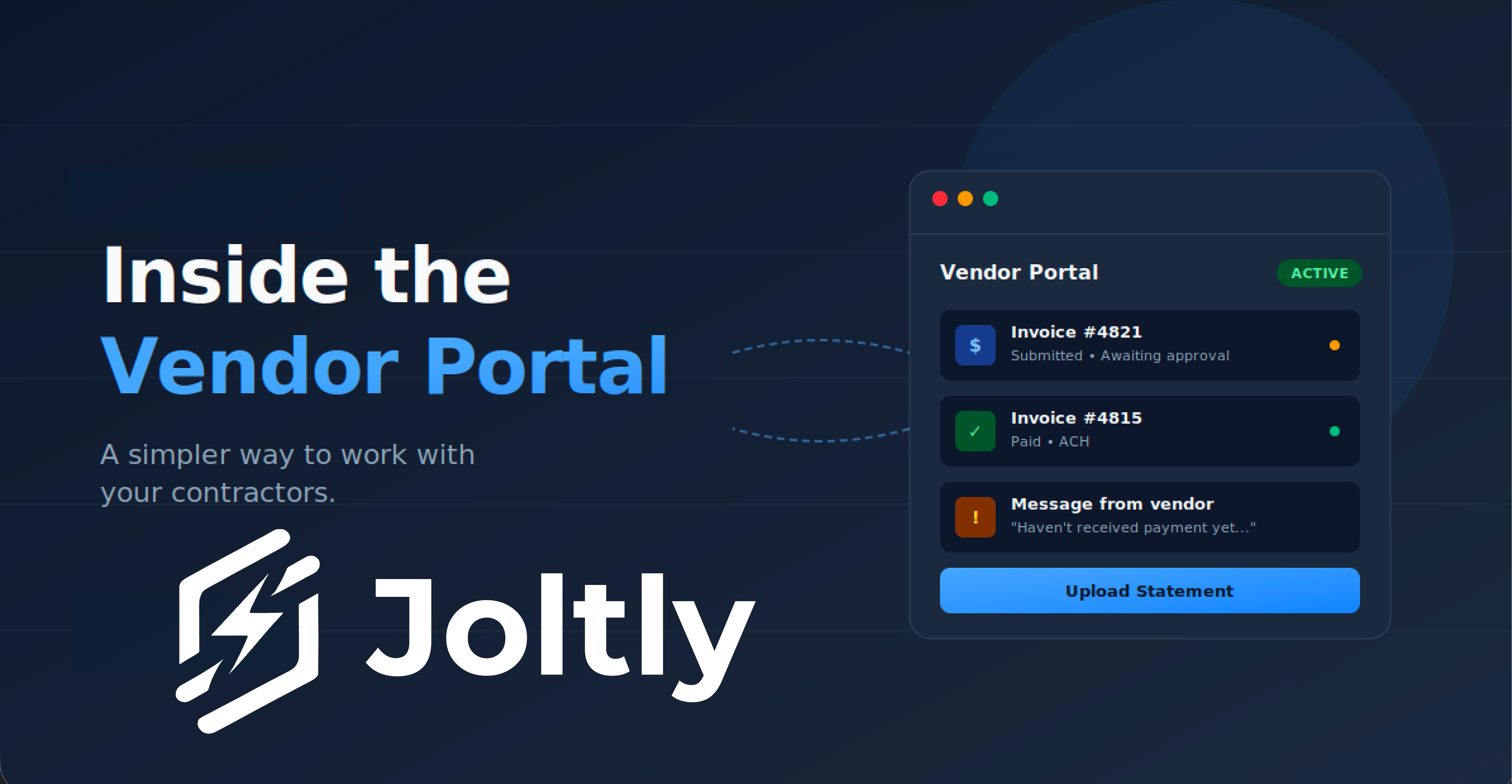


Hey everyone — wanted to do a quick walkthrough of one of the things we've been working on a lot at Joltly: the vendor portal.
Related on Joltly: oil and gas AP automation.
This is the part of Joltly that sits between you and your contractors — the people sending you invoices, asking about payment status, updating their own info. Goal is simple: keep it easy on both sides. Here's how it works.
Log into Joltly and go to your Bills page. That's the hub. As vendors interact with the portal — uploading statements, leaving comments, asking questions — you'll see notifications right at the top.
Every action a vendor takes also lands in the activity log on the relevant invoice. If a vendor leaves a comment, it shows up there. So you've got the full conversation history in one place. No digging through email.
To send a vendor their portal link, head to:
Vendors → [Select vendor] → Portal & Onboarding → Copy portal link
Send that link over and they're good to go.
One thing worth calling out: a single vendor can work with multiple Joltly customers. If your contractor is also working with another operator who uses Joltly, they don't need a separate login. They just pick which customer they're working with and go.
Once they're in, they can:
Here's where it gets useful for both sides. When a vendor opens an invoice in their portal, they can leave you a message — something like "Hey, haven't gotten payment on this yet, can you confirm?"
That message flows directly back into Joltly. You'll see the update on the invoice and can respond without ever leaving the platform. Your vendor doesn't have to call or email. You don't have to dig through your inbox.
It's a tight feedback loop, and it makes AP feel a lot less like a chore.
We try to keep the vendor portal as straightforward as we can. Vendors don't want to learn new software just to send you an invoice, and you don't want to manage a tool that creates more friction than it removes.
We're always pushing updates and pulling feedback from customers on what to build next. If there's something you'd want to see in the vendor portal — or anywhere else in Joltly — let us know.
Get quick answers to common queries in our FAQs.


You only pay for what you use — no seat fees and no modules you don't need. Pricing is a monthly platform fee plus usage on documents processed, ACH payments, mailed checks, and the workflows you turn on. We size it to your actual monthly close so it scales with the work, not your headcount.
A smaller operator running 25 documents, 10 ACH payments, and 2 mailed checks a month would be priced on that exact volume. A larger operator at 100 documents, 50 ACH payments, and 10 checks pays predictably more. You always know what you're spending because it tracks the actual close.
Joltly connects directly to QuickBooks and Quorum On-Demand Accounting, and supports file-based export workflows for systems like PakEnergy and Integra. It manages accounts, items, vendors, partner mappings, JIB clearing, revenue liabilities, and netting accounts inside your existing setup.
Both sides of settlement. On expenses: invoice review, GL coding, approvals, JIB creation, ACH and check payments. On revenue: statement OCR, partner distributions, remittance emails, and netting between JIB receivables and revenue payouts — so your team replaces spreadsheet work and email follow-up during close.
Yes. Your wells, partners, revenue interests, GL mappings, approval flow, export formats, and partner-facing statements are configured per operator. Most customers go live on their existing chart of accounts and ERP setup — no rebuild required.
Faster than most teams expect. Your AP workflow can be live in less than a week — and you don't need to change your current accounting system. Revenue typically takes about two weeks. The only thing we need from you is a sample revenue statement so we can train the AI on your format.
We set up a Microsoft Teams channel or email channel for your team — whichever you prefer. You'll also get the founders' phone numbers for text messaging when you need a fast answer.